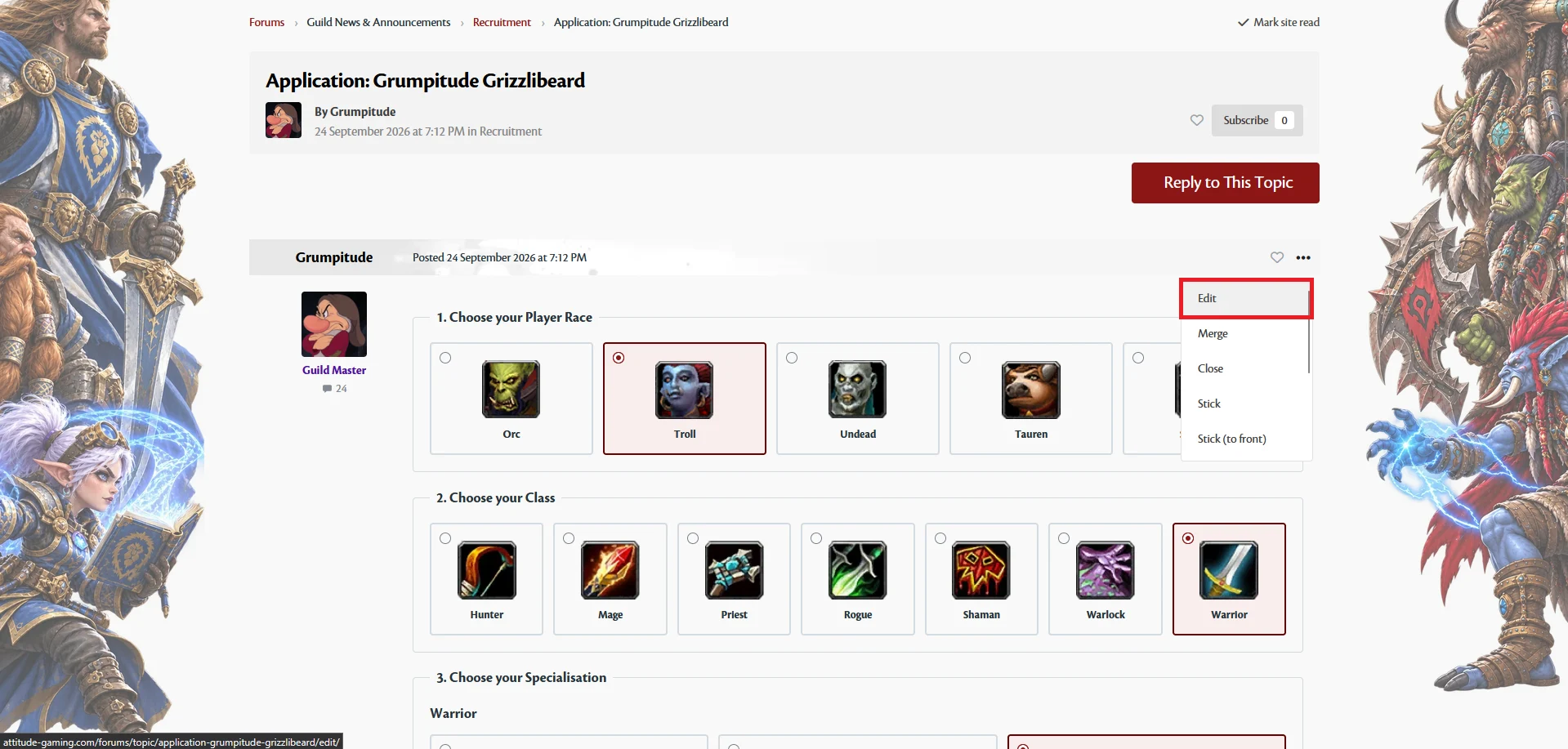
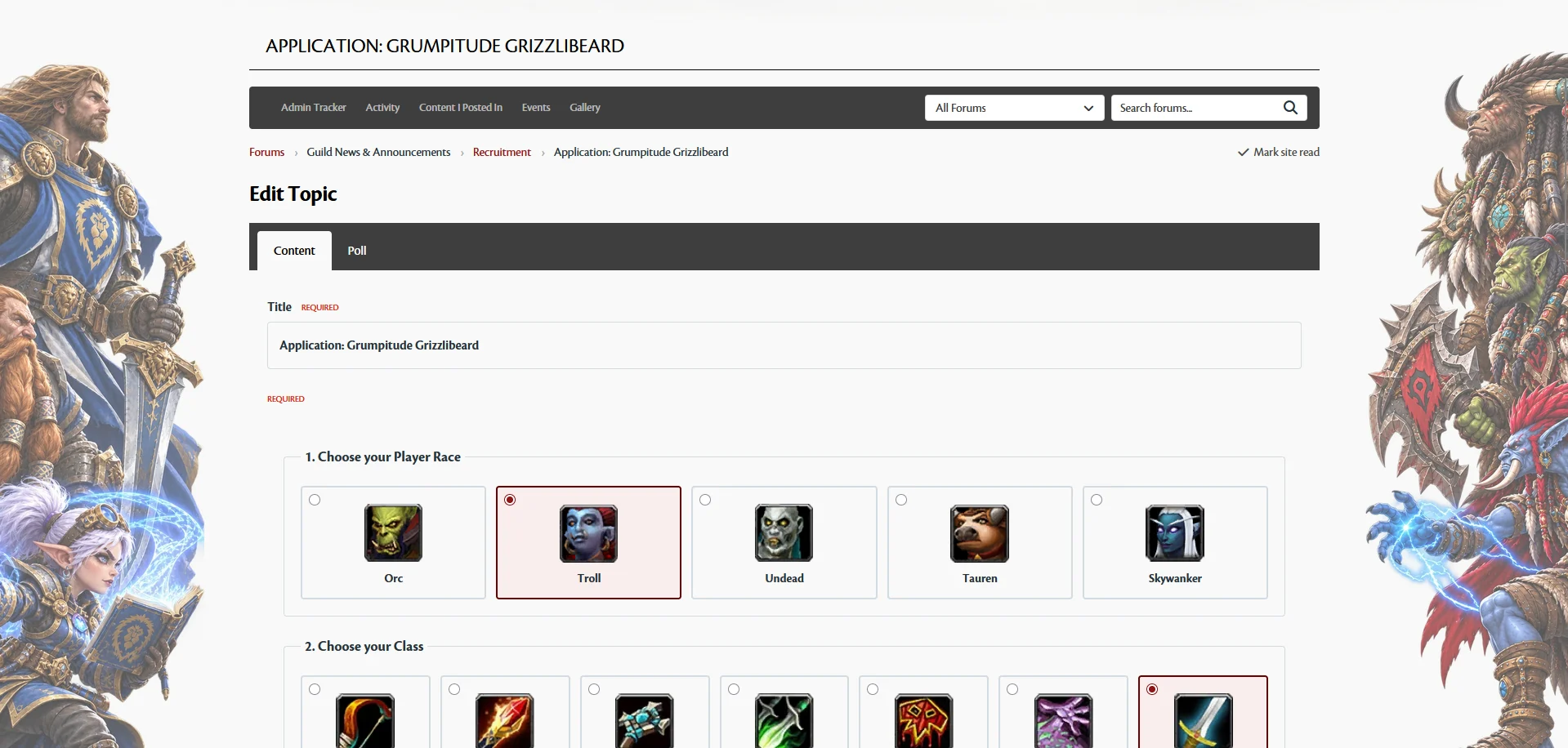
I received feedback that it would be helpful to edit an application in the recruitment section after it has been submitted. This functionality has now been added.
To edit your application:
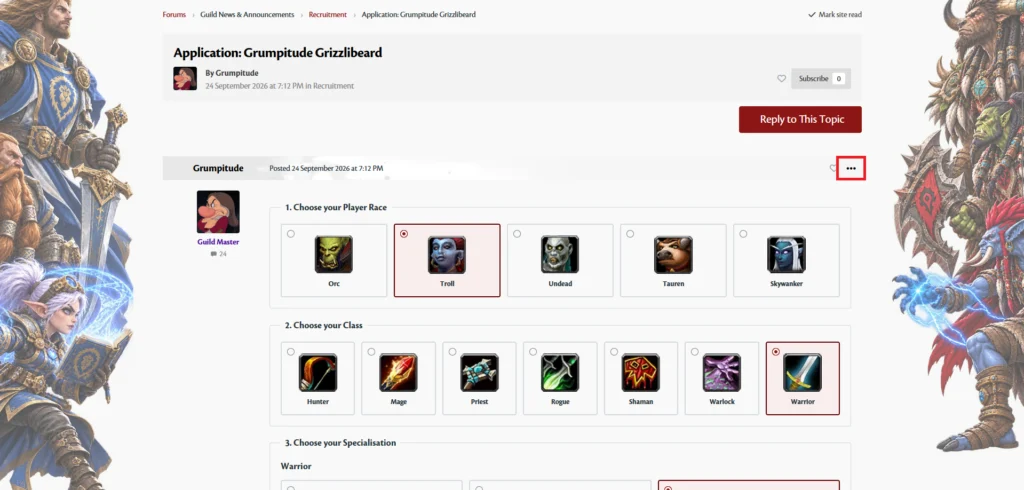
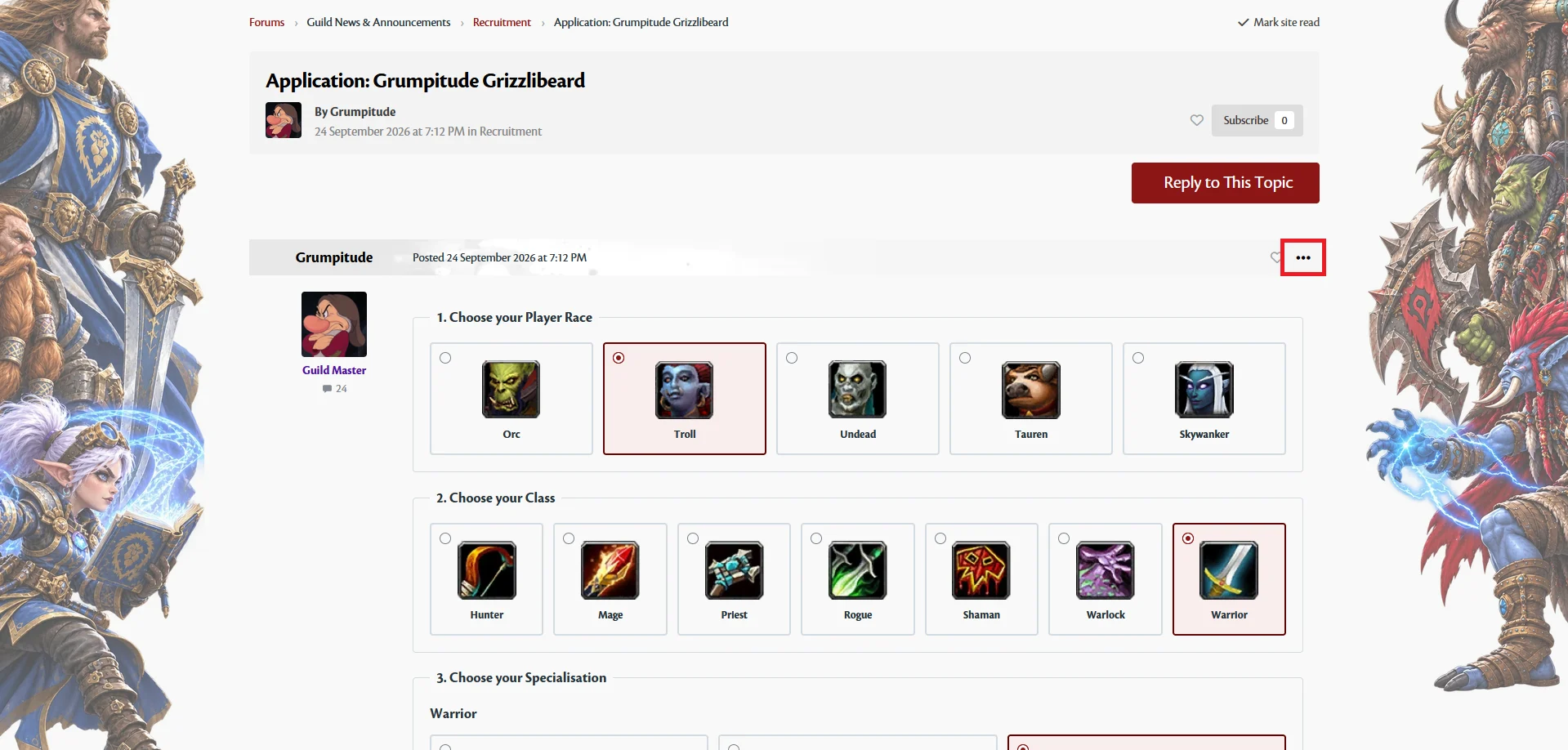
- Open your application within the Recruitment section.
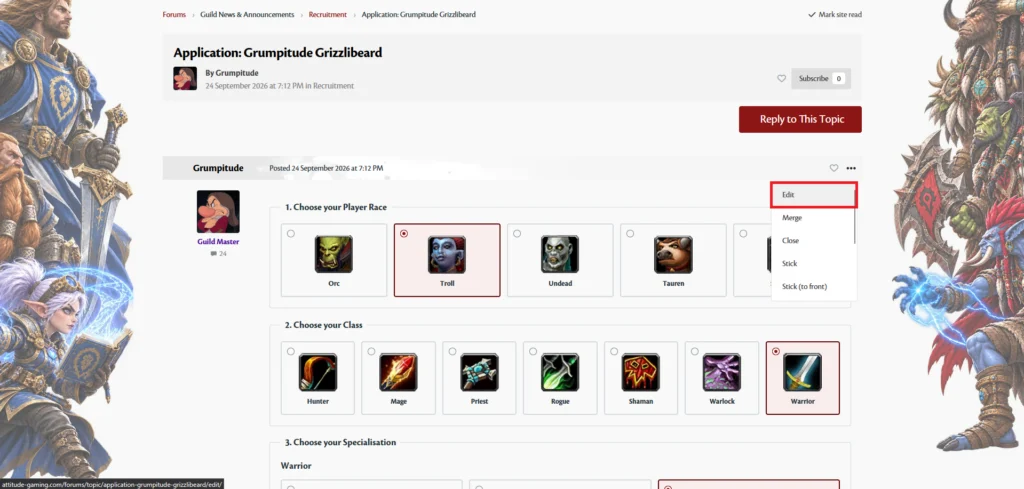
- Click the three‑dot menu in the top corner.
- Select Edit.
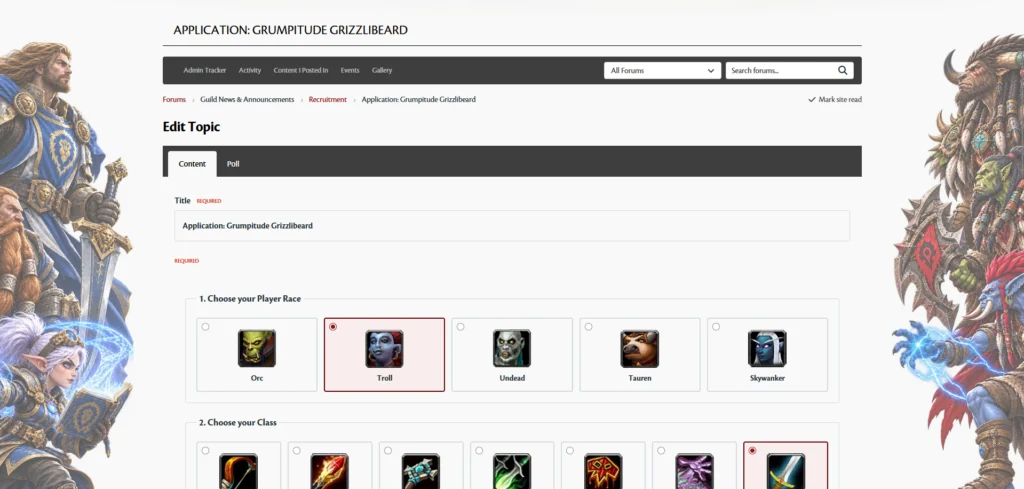
- Make any changes you need on the edit page and save.
If you run into any issues or have further suggestions, please let me know.